AI Tools · Digital Marketing · 2025 Edition
Top 10 AI Tools for Digital Marketing (2025)
AI is now at the core of digital marketing—from content and SEO to ads and analytics. In this 2025 guide, we break down ten of the most useful AI-powered tools that can help you plan, execute, and optimize your campaigns with less manual work and more data-driven decisions.

How this list is structured
This list is not a ranking from 1 to 10. Instead, each tool focuses on a different part of the digital marketing workflow: content, SEO, ads, analytics, social, and automation. For every tool you will find:
- What it does best in the marketing funnel.
- Best for – who will benefit the most.
- Highlights – key AI features that matter in real campaigns.
- What to watch out for – limitations or things to note.
1. Jasper – Long-Form AI Copywriter for Campaigns
Best for: blogs, landing pages, email sequences, ad copy.

Jasper has evolved from a simple blog post generator into a full content workspace. You can keep brand voices, style guides, and campaign briefs in one place, then generate long-form articles, Facebook ads, landing page copy, and even video scripts that stay on brand.
- Highlights: brand voice training, campaign workflows, SEO integration, collaboration for teams.
- Watch out for: you still need a human editor for fact-checking, nuance, and compliance-sensitive industries.
2. ChatGPT – Idea Engine & All-Round Assistant
Best for: brainstorming, content outlines, drafts, audience research, quick QA.
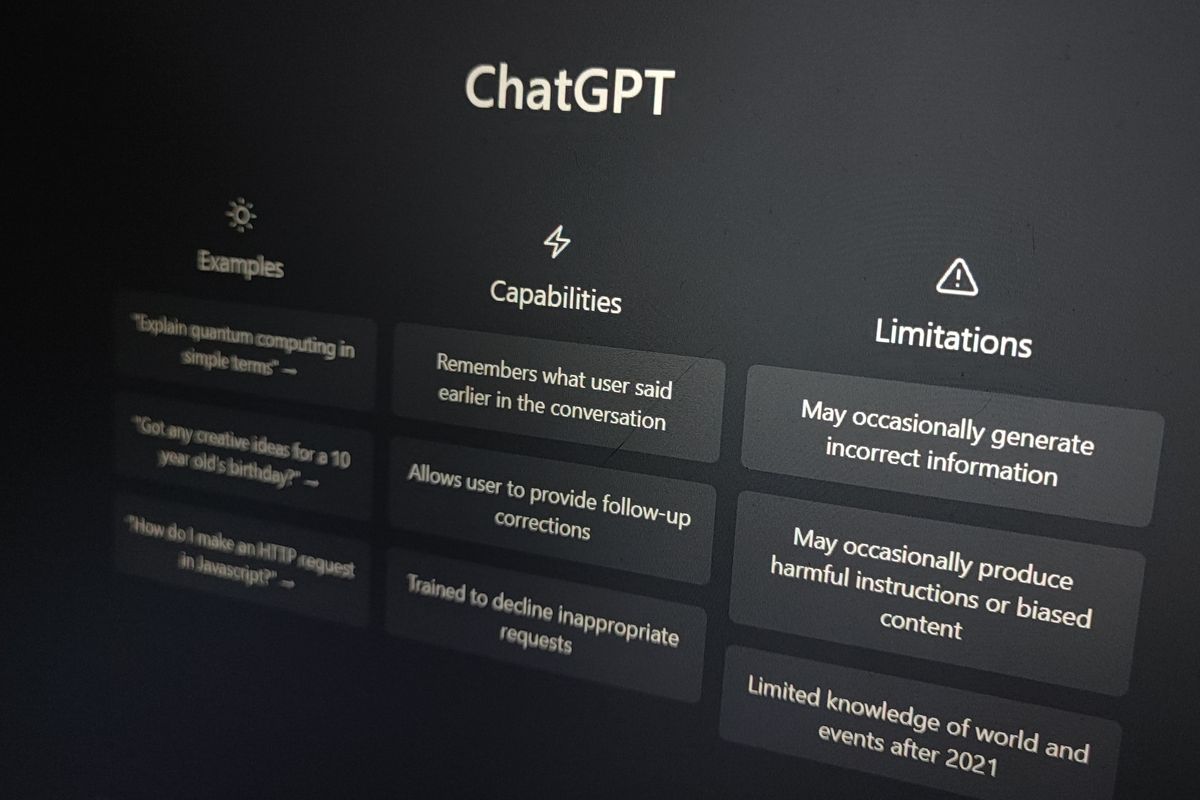
ChatGPT is a flexible assistant that can help with nearly every step of a marketing campaign. Use it to generate content ideas, create detailed briefs for your writers, draft social posts, segment audiences, or turn raw research into clean reports and insights.
- Highlights: fast ideation, natural-language workflows, code snippets for tracking & automation, plug-ins/integrations depending on plan.
- Watch out for: information can be outdated or incorrect; always validate numbers, quotes, and claims.
3. Surfer SEO – Data-Driven On-Page Optimization
Best for: content teams that rely heavily on organic traffic.

Surfer combines AI writing suggestions with SERP-level data. You get content outlines, keyword clusters, and a real-time content score that shows how well your article matches the search intent of top-ranking pages.
- Highlights: content editor with scoring, audit for existing pages, internal link suggestions, AI brief generation.
- Watch out for: easy to over-optimize and make content sound robotic—balance SEO with readability.
4. Copy.ai – Multi-Channel Campaign Generator
Best for: rapid experiments across social, email, and ad platforms.

Copy.ai focuses on workflows: you can feed it a short product description and have it generate full campaigns—emails, ad sets, LinkedIn posts, and more. Useful when you need fast drafts for A/B testing or you manage multiple brands at once.
- Highlights: campaign workflows, multiple tones, collaboration features for agencies.
- Watch out for: outputs can start to feel similar; customize prompts with detailed brand info to stand out.
5. Midjourney (and other Image AIs) – Visuals for Ads & Social
Best for: ad creatives, thumbnails, hero visuals, mood boards.

AI image generators like Midjourney, DALL·E, and others are powerful for creating unique visuals on demand. You can generate concept images for landing pages, social carousels, or background textures that match your campaign’s mood and color palette.
- Highlights: near-infinite variation, rapid creative testing, consistent styles once you find the right prompts.
- Watch out for: licensing & brand guidelines—always check your company’s policy on AI-generated art.
6. HubSpot (AI Features) – CRM-Driven Campaigns
Best for: teams that need CRM + email + automation in one place.

HubSpot has added AI helpers for email copy, subject line suggestions, lead scoring, and content recommendations. Because everything lives on top of your CRM data, you can personalize campaigns without exporting and importing spreadsheets.
- Highlights: unified CRM, AI content assistant, lead scoring, reporting dashboards.
- Watch out for: can become expensive as your contact list and feature usage grow.
7. Notion AI – Knowledge Hub & Campaign Wiki
Best for: organizing briefs, assets, research, and content calendars.

Notion AI turns your workspace into a searchable, summarizable knowledge base. You can store campaign plans, content calendars, competitor research, and client notes in one place and ask AI to summarize or generate new pages from your existing docs.
- Highlights: AI summaries, content drafting inside pages, connected databases for campaigns.
- Watch out for: be careful with sensitive data—decide what should and should not be stored or processed by AI.
8. Descript – AI-Powered Video & Podcast Editing
Best for: YouTube, webinars, podcasts, and repurposing long-form content.
Descript lets you edit audio and video by editing text. It automatically transcribes your recording, removes filler words, and can clone voices with permission. For marketers, this means faster production of webinars, tutorials, and promo clips for social platforms.
- Highlights: text-based editing, auto filler-word removal, AI voices, social clip templates.
- Watch out for: heavy projects still require a decent machine; high-end cinematic editing is better in traditional NLE tools.
9. CapCut – Fast Edits for Short-Form Video
Best for: TikTok, Reels, YouTube Shorts, and vertical ads.

CapCut’s AI features—auto captions, background removal, style templates, and beat sync—make it ideal for quickly turning raw footage into polished short-form videos. You can keep templates per brand to maintain consistent typography and colors across campaigns.
- Highlights: templates, auto captions, smart cutout, direct publishing to social platforms.
- Watch out for: desktop and mobile experiences differ; test both and pick one main workflow for your team.
10. Zapier & Make – Glue Between Your Marketing Tools
Best for: connecting forms, CRMs, ads, analytics, and reporting into one system.
Automation platforms such as Zapier and Make (formerly Integromat) now offer AI steps inside workflows. You can enrich leads with AI, auto-summarize form responses, generate personalized emails, or route high-value prospects to your sales team in real time.
- Highlights: connects almost any SaaS tool, AI steps, visual scenario builder, robust error handling on higher tiers.
- Watch out for: complex automations can become hard to debug; document your flows and keep a diagram of how data moves.
How to pick the right stack
You do not need all ten tools to run effective campaigns. Start with one AI assistant for content, one for analytics/SEO, and one for automation. As your workflows mature, add specialized tools for video, design, or CRM based on where you feel the biggest bottlenecks.
The most successful marketers in 2025 are not the ones using the most AI, but the ones who combine AI with clear strategy, strong creative ideas, and a deep understanding of their audience.